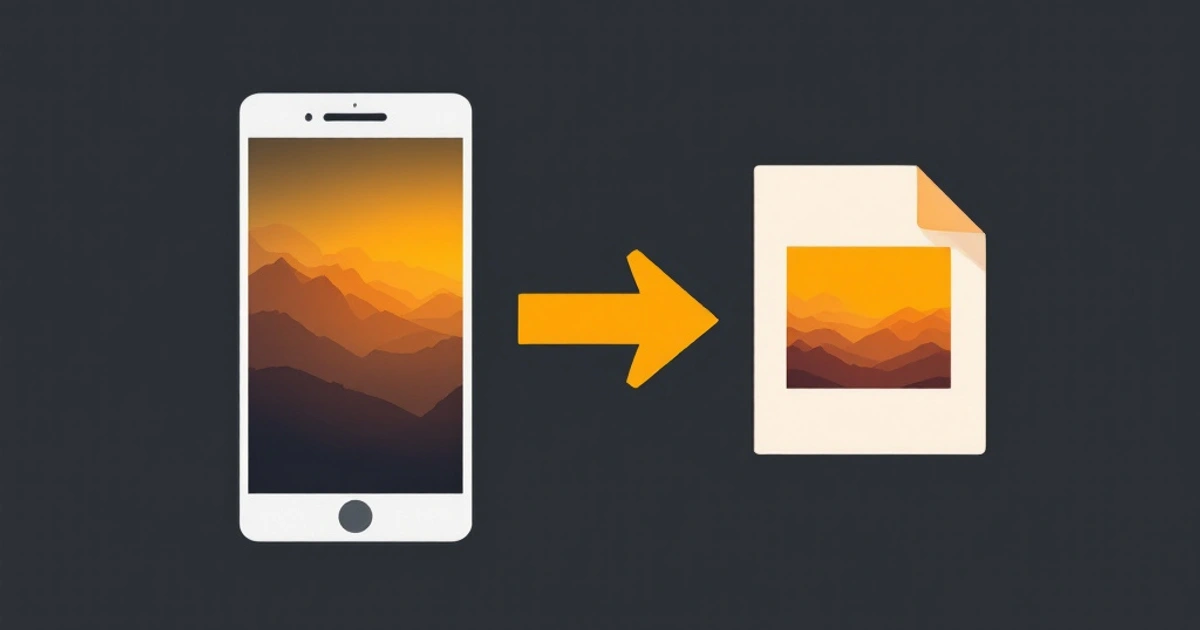
A HEIC file is a photo saved in the High Efficiency Image File Format (HEIF), with the image compressed using the HEVC (H.265) codec. iPhones and iPads have used it as their default photo format since iOS 11 in 2017, because a HEIC photo is roughly half the size of a JPG of similar quality. The catch is compatibility: many Windows PCs, older Android phones, websites and upload forms still cannot open it.
If you just need a file that opens everywhere, convert it with HEIC to JPG, or with HEIC to PNG if you plan to edit the photo. Both run in your browser, so the photos are not uploaded.
HEIC vs HEIF
HEIF is the container format, standardized by MPEG. HEIC is the name for HEIF files whose images use HEVC compression, which is what Apple devices produce. You may also see .heif files from other cameras and phones, and .avif files, which are HEIF-style containers that use the AV1 codec instead. In everyday use, HEIC means "an iPhone photo".
A HEIC file can hold more than one image, so it can also carry Live Photo key frames, depth maps used for Portrait mode, and image bursts, along with the usual EXIF metadata such as date, camera settings and GPS location.
Why iPhones use HEIC
- Smaller files: about half the storage of an equivalent JPG, so more photos fit on the phone and in iCloud.
- Better quality per byte: HEVC compresses with fewer visible blocky artifacts than JPEG at the same size.
- 16-bit color and transparency support: HEIF can store more color depth than JPEG's 8 bits, and it supports alpha.
How to open a HEIC file
- iPhone, iPad and Mac: HEIC opens natively in Photos and Preview.
- Windows 10 and 11: install the free HEIF Image Extensions from the Microsoft Store. Some systems also need HEVC Video Extensions, which Microsoft sells for a small fee. After that, the Photos app and File Explorer thumbnails work.
- Android: recent versions and Google Photos can display HEIC, but some gallery and messaging apps still cannot.
- Any device with a browser: convert the file to JPG or PNG first.
How to convert HEIC to JPG
On a Mac: open the photo in Preview, choose File → Export, and pick JPEG as the format.
On an iPhone: to stop the problem at the source, go to Settings → Camera → Formats and choose Most Compatible, which saves new photos as JPG. To keep shooting HEIC but send JPGs, go to Settings → Photos and under Transfer to Mac or PC choose Automatic, which converts photos when you copy them to a computer.
In a browser (any device): open HEIC to JPG, drop in one or more photos, and download the JPGs. The conversion runs on your device, so nothing is uploaded.
HEIC to JPG, PNG or PDF?
- Choose JPG for sharing, email, upload forms and social media. It is small and opens everywhere.
- Choose PNG if you are going to edit, retouch or composite the photo. PNG is lossless, so repeated saves do not add compression artifacts, but files are several times larger than JPG.
- Choose PDF with HEIC to PDF when photos need to go into a document, such as scanned receipts or forms.
For a broader comparison of formats, see image formats explained.
Check the metadata before sharing
HEIC photos usually include the GPS location where they were taken. Converting a photo does not always remove that data, so if you are posting a photo publicly, check it and strip location first. How image metadata works explains what EXIF contains.
FAQ
What does HEIC stand for?
HEIC stands for High Efficiency Image Container. It is a HEIF file whose images are compressed with the HEVC (H.265) codec.
Is HEIC better than JPG?
For storage and quality, yes: HEIC files are about half the size of comparable JPGs and can hold more color depth. For compatibility, JPG is still better, because almost every device, app and website opens it.
Can Windows open HEIC files?
Yes, after installing HEIF Image Extensions from the Microsoft Store. Some PCs also need HEVC Video Extensions. Without them, convert the file to JPG first.
Does converting HEIC to JPG reduce quality?
Slightly, because JPG is a lossy format and the file is re-encoded. At normal quality settings the difference is not visible for viewing and sharing. Convert to PNG instead if you need a lossless copy for editing.
How do I stop my iPhone from taking HEIC photos?
Go to Settings, then Camera, then Formats, and choose Most Compatible. New photos are then saved as JPG. Photos you already took stay in HEIC.